
Drop the link
Paste a product URL from any vendor — Casa instantly recognizes it.

Paste any furniture link and Casa pulls the image, dimensions, price, finish and specs — then formats a client-ready FF&E schedule you can export to InDesign or PDF. The admin work, gone.
No credit card. No setup. No training. Built by a designer, for designers.
Pull specs from any vendor — paste a link from anywhere
For every hour of design, there’s another lost to sourcing, copy-pasting specs, screenshotting products, and rebuilding budgets. Casa hands that hour back.
Paste a product URL from any vendor — Casa instantly recognizes it.
Image, dimensions, price, finish, availability and specs — extracted and organized for you.
A polished, client-ready FF&E schedule — exported straight to InDesign or PDF.
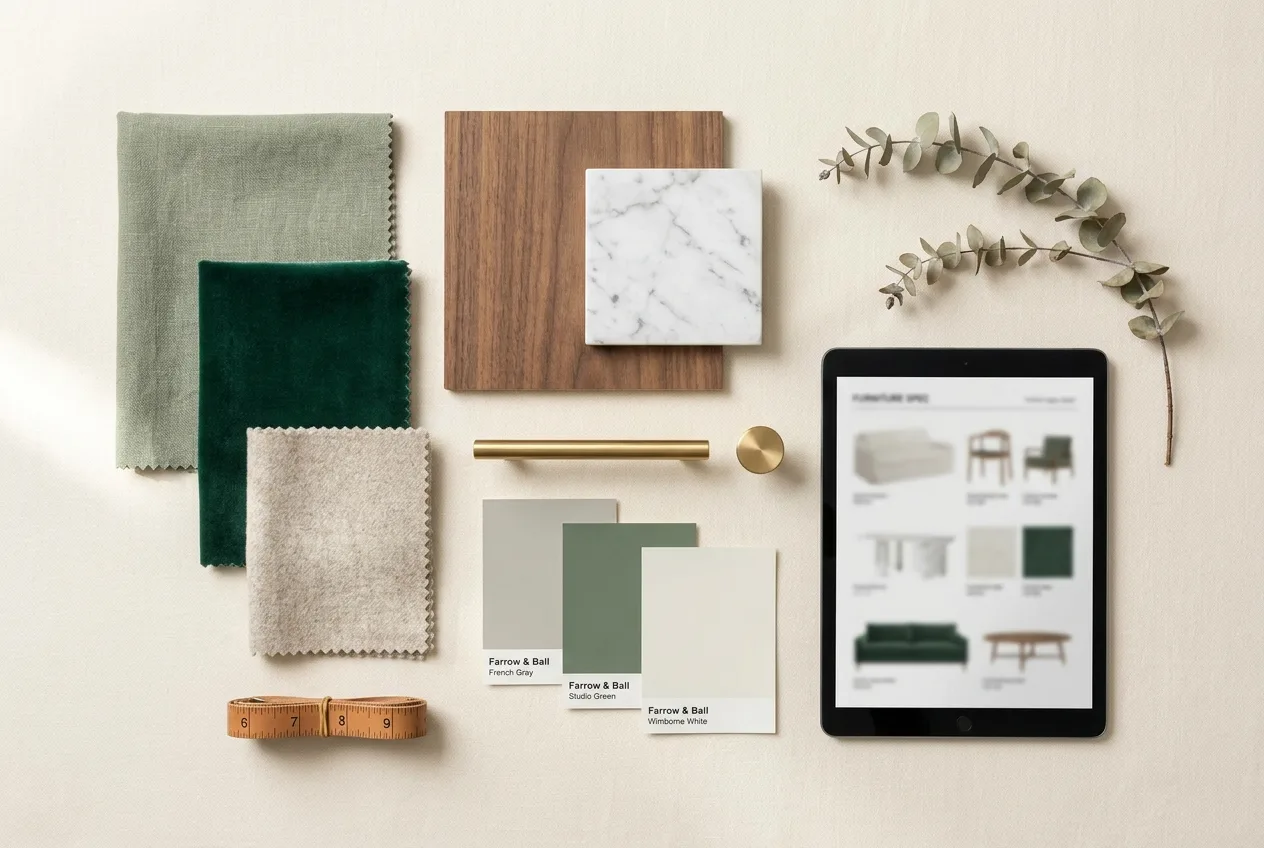
Pull in high-quality product images and remove backgrounds instantly. Build a presentation that looks as considered as the design itself.
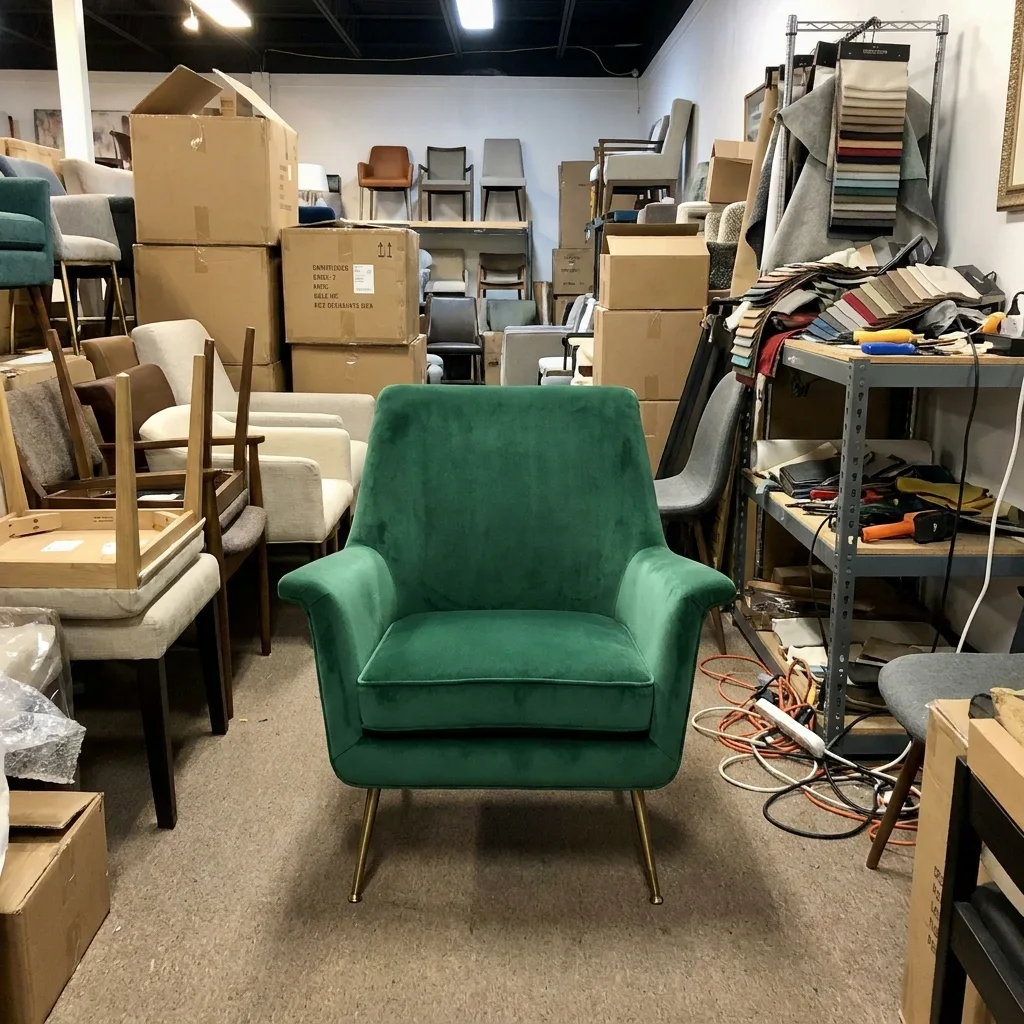
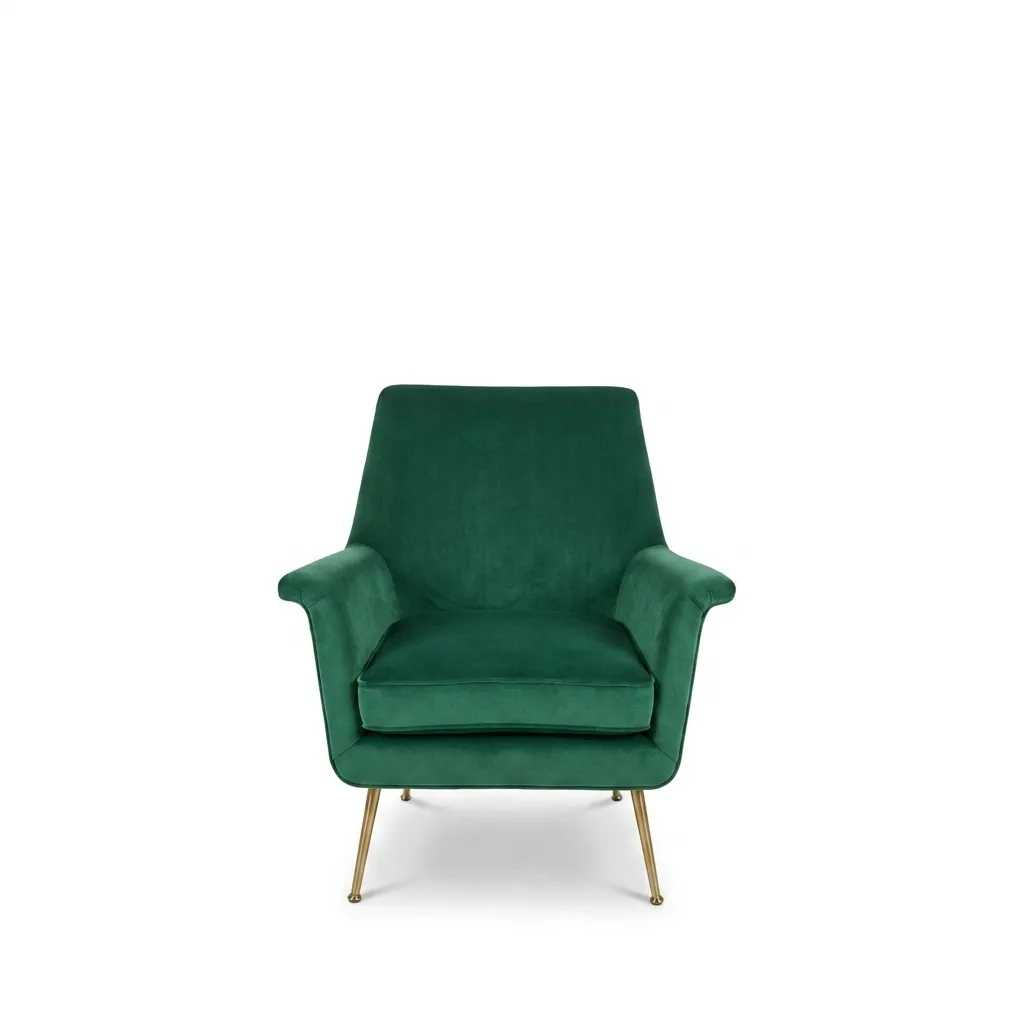
Drop in a furniture link and Casa pulls the image, dimensions, color, price and availability into a structured schedule. No web clippers. No copy-paste.
Auto-generated client budgets with sourcing targets, markup, freight and tax — tracked in real time so you always know where a project stands.
Track orders and deliveries in real time and keep every stakeholder aligned — without living in your inbox.
Turn an approved schedule into winning proposals, invoices and purchase orders without leaving Casa.
Casa isn’t locked to one catalog. If it has a product page, Casa can read it — so your sourcing stays yours.
The same FF&E schedule, with and without the busywork.
“Casa is built by designers, for designers — so we can spend more time creating, not managing spreadsheets.”
“A schedule that used to eat my whole afternoon now takes the length of a phone call.”
“I walk into client meetings already prepared. The budget is always current, the boards are always clean.”
“We take on more projects with the same team. Casa quietly removed the admin ceiling.”
Start with a full 30-day free trial. No credit card, no setup, no training — just paste a link.
See full pricing30-day free trial — no credit card required
Paste any product URL and Casa reads the page — extracting the image, dimensions, price, finish, availability and specs — then drops it into a structured, formatted schedule. No web clippers, no copy-paste.
Any of them. If a product has a web page, Casa can read it — retail or trade. You’re never locked into a single catalog.
Yes. Casa generates layout-ready InDesign exports with auto-cropped images and formatted data, plus polished PDFs for client proposals.
Yes — a full 30-day free trial with no credit card required. No setup and no training: create your first schedule in minutes.
Casa Essentials is $29 per user per month, billed monthly. Upgrade, downgrade or cancel anytime from your account settings — no long-term contracts or hidden fees.
No. Casa automates the admin — sourcing, specs, budgets and documentation — so you spend more time on the creative work only you can do.
Join the designers who spend their hours designing — not formatting spreadsheets.
Start free — 30 daysNo credit card · No setup · Cancel anytime