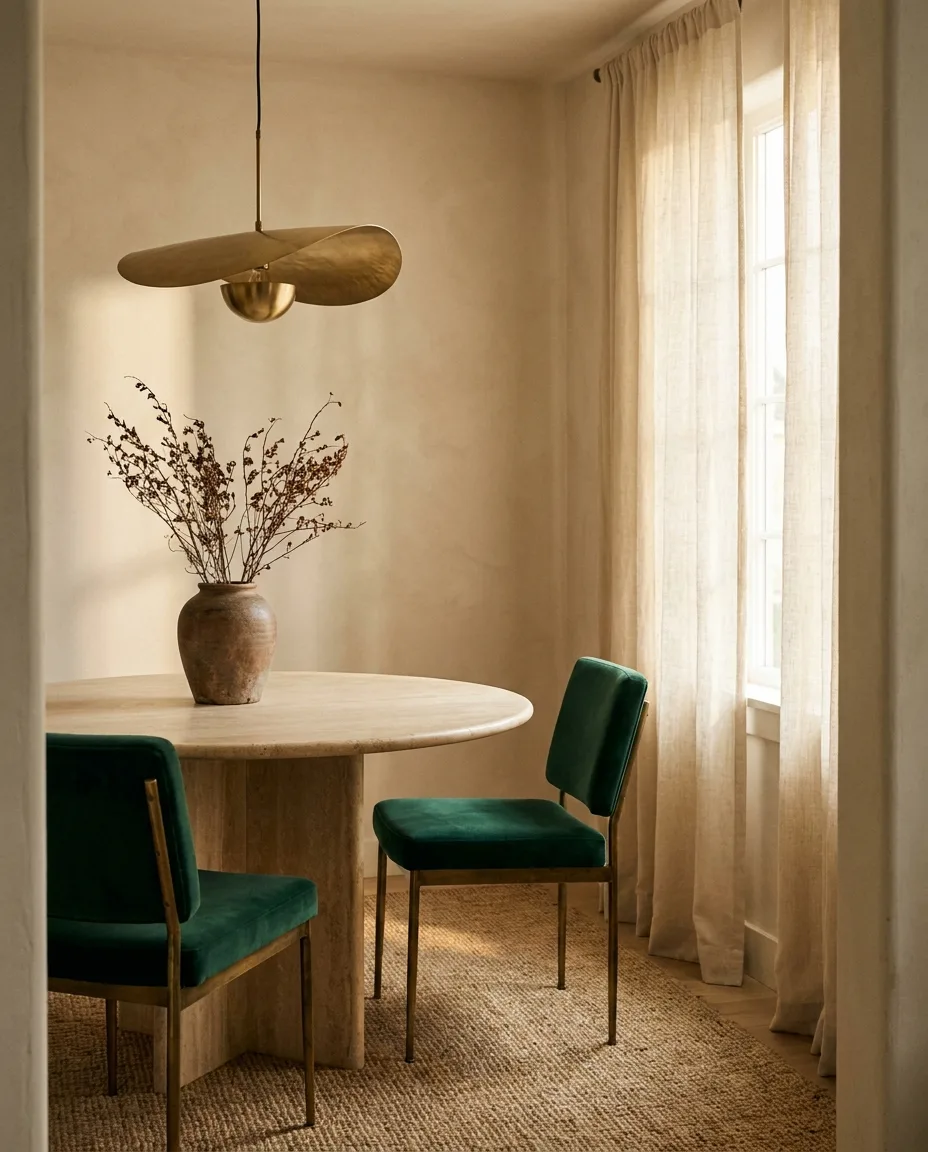
What is FF&E? The interior designer's complete guide
FF&E stands for Furniture, Fixtures & Equipment. Here's what it covers, why the FF&E schedule matters, and how to build one faster without drowning in spreadsheets.
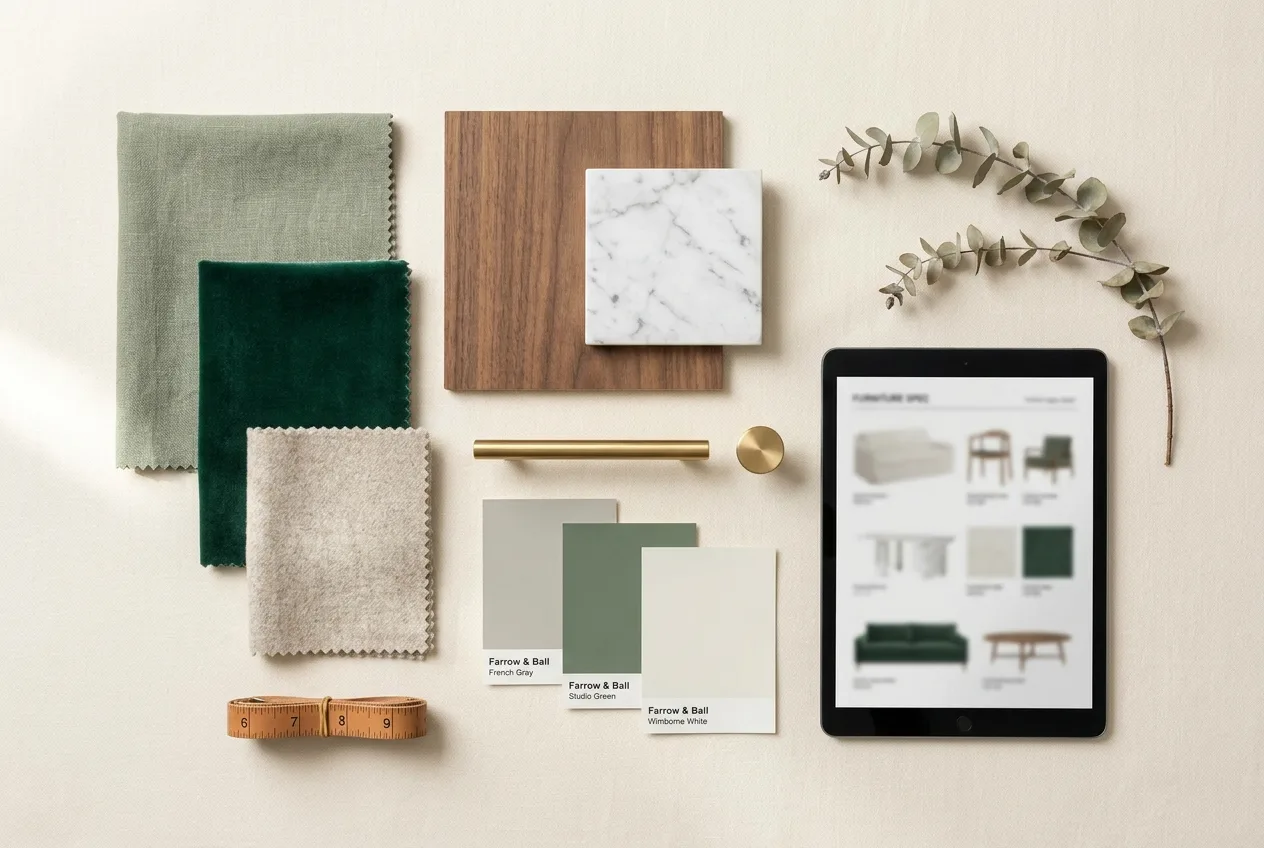
If you’ve spent any time in interior design or architecture, you’ve seen the acronym everywhere: FF&E. It shows up in proposals, budgets, and the dreaded end-of-project handoff. But what does it actually mean — and why does the FF&E schedule quietly decide whether a project runs smoothly or falls apart?
What FF&E stands for
FF&E stands for Furniture, Fixtures & Equipment: the movable items that make a space usable and finished but aren’t permanently attached to the building.
- Furniture — sofas, chairs, tables, beds, casegoods, rugs.
- Fixtures — lighting, window treatments, mirrors, and built-in-adjacent pieces.
- Equipment — appliances, AV, and specialty items a space needs to function.
The simple test: if you tipped the building upside down, anything that would fall out is generally FF&E.
What an FF&E schedule includes
An FF&E schedule is the master document that tracks every specified item. For each piece you typically capture:
- Product name, vendor, and SKU
- Dimensions and finish
- Quantity and room location
- Unit price, markup, freight, and tax
- Lead time and delivery status
- A clean product image for the presentation
Multiply that across a whole project and you understand why FF&E is where designers lose the most time.
Why the FF&E schedule matters
The schedule is the spine of the project. It drives the budget, the client presentation, the purchase orders, and the delivery timeline. When it’s accurate and current, every downstream document is too. When it’s stale — a price changed, an item went out of stock — the errors cascade into client meetings.
The creative part of a project is the small part. The rest is sourcing, specs, budgets and presentation — and that’s exactly where studios lose their margin.
The traditional (painful) workflow
Most designers still build FF&E schedules by hand:
- Find a product, open its page in a new tab.
- Copy-paste the name, dimensions, price, and finish into a spreadsheet.
- Screenshot the product image and crop out the background in Photoshop.
- Rebuild the budget every time a price moves.
- Reformat the whole thing into an InDesign deck for the client.
It works — but a single 30-item schedule can eat half a day.
A faster way to build FF&E schedules
This is the exact problem Casa was built to solve. Instead of copy-pasting, you paste a product link and Casa pulls the image, dimensions, price, finish and availability automatically — then organizes it into a formatted, client-ready schedule you can export to InDesign or PDF.
- Specs pulled from any vendor link
- One-click background removal for clean presentation images
- Budgets that track markup, freight and tax in real time
The result: schedules in minutes instead of hours, and more time for the design work that actually needs you.
Ready to see it? Start a free 30-day trial — no credit card required.